Small Steps Big Impact
+32 474 13 78 13
← All AI models
Gemini logo (Google)

AI models · Google

Gemini

Gemini is Google's AI, built into Gmail, Docs, Sheets, Slides and Meet. If your business runs on Google Workspace, Gemini is the most obvious first step.

Updated: November 2026Official website: gemini.google.com ↗

What it's good at

  • Works where your team already works: drafting mail in Gmail, texts in Docs, formulas and analysis in Sheets, notes in Meet.
  • Access to your own Drive files, within the permissions someone already has.
  • NotebookLM: an assistant that answers only from the documents you add, handy for manuals and internal knowledge.
  • Large memory: handles a lot of text and long files at once.

What to watch

  • Gemini sees what the user can see. If shared folders are too open, Gemini finds that information too. Clean up sharing first.
  • A personal Google account isn't covered by Workspace terms. Have your team use their work account.
  • Features differ per Workspace plan: check what's in yours.

Privacy and your business data

According to Google, within a business Workspace plan your mail, documents and prompts are not used to train models without permission, and Gemini app conversations are not reviewed by humans. Personal accounts fall under consumer terms, where that can happen.

If you have Workspace data regions set up (available on certain plans), they also apply to Gemini.

Which version for your business?

Gemini (personal)Free with a Google account. Not for business data.
Google Workspace BusinessSmall businesses: Gemini in Gmail, Docs, Sheets and Meet, under Workspace terms.
Google Workspace EnterpriseExtra security, admin and European data regions.

How we use it with clients

  • Cleaning up Google Drive sharing before rolling Gemini out widely.
  • Setting up routines: meeting notes in Meet, mail templates in Gmail, reports in Sheets.
  • Using Gemini through the API in automations, for example to process forms or attachments.
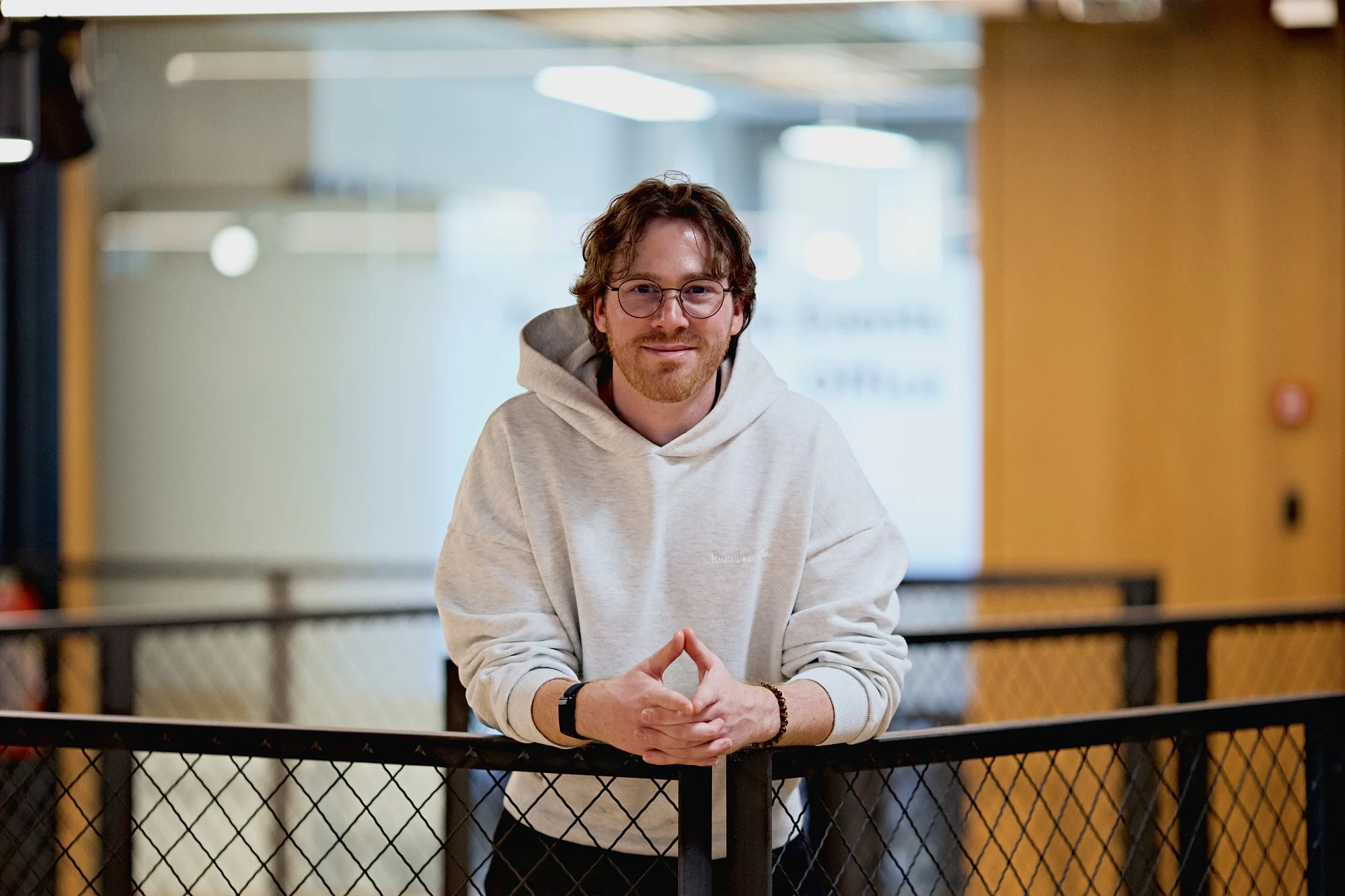
Senne Wellens, founder of Small Steps Big Impact, leaning on a railing at Corda Campus
Senne Wellens, founder of Small Steps Big Impact. You talk directly with him about which AI fits your business.

Frequently asked questions

Is Gemini already in my Google Workspace?

Most business Workspace plans include Gemini. Exactly which features you have depends on your plan.

Does Google read my business mail for Gemini?

According to Google, no: within a business Workspace plan your data is not used to train models without permission. Gemini only uses your files to answer that user's question.

What is NotebookLM?

NotebookLM is a Google tool that answers from sources you add, like manuals or procedures. Ideal for internal knowledge, with references to the source.

Other models

Next step

See where the gains are.

Ready for your first small step?

Book an intro call with Senne. No strings attached.
Either way you leave with a few concrete pointers.
Senne Wellens of Small Steps Big Impact in conversation at a table
FAQ

Questions we get a lot.

Not answered here?
01What we do

Small Steps Big Impact automates internal business processes with AI, connections between systems and custom software. We always start with an on-site screening. That way we only automate what saves time or earns money, and not what happens to be possible.

Mainly for SMEs with 5 to 30 employees where the same data is entered in several systems. Think of installation companies, technical maintenance, machine service and facility services. The more work happens on site or at the customer, the bigger the gain.

Usually quote follow-up, planning, registration of work orders, post-calculation per project or contract, invoicing based on actual work and product data from suppliers. Which process comes first we decide after the screening, based on impact.

Yes. Besides automation we give AI workshops and guide teams in using AI day to day. That way you get a return from AI without starting a full trajectory right away.

02Approach and trajectory

A screening is a two-hour session at your location. We map your processes, speak with the people who do the work and prioritise what pays off most. You get a report with findings and a 30-minute follow-up call. You are not committed to anything.

In the blueprint we set out exactly what the process, the data and the connections look like before we build. Blueprint and build always go together. That way what we build is really what you need.

Workflow automation connects existing tools and takes over recurring steps. Custom software is an application of your own, for example a field service tool, in which those automations are already built in. The screening shows which of the two fits.

One clearly defined process is often live in less than a month. A trajectory across several chains, such as sales, planning and stock, takes more like three to four months.

With a Care subscription we monitor your automations monthly, solve problems and adjust when a tool changes. Without maintenance a connection does not keep working forever either.

03Tools, team and cost

Not necessarily. We work independently of tools and prefer to connect the software you already use through APIs. We only build custom software when existing platforms do not carry your process well.

No. We build around the way your team already works today and speak with the people on the floor during the screening. That is why the solution feels to them like less work and not like an extra system.

That depends on the number of processes and on whether existing tools are enough or custom software is needed. After the screening you know exactly what we propose and what it brings in, so you decide based on your own figures and not on a standard package.

Yes. Your data stays yours and stays in your own systems: we work as much as possible within the tools you already use and follow the GDPR. Licences and access stay in your company's name where possible, we never share data with third parties, and access we no longer need is removed after the project.

Yes. We work for companies in Belgium, the Netherlands and beyond, from Limburg. Up to 90 minutes' drive we come on site, further away we work digitally or on site by request.

Not answered here?